
Best local starting point: Techrecyclingsolutions for Greater Boston businesses. Best for media that must stay on-site until destruction: on-site destruction services. Best for preserving reusable equipment: reuse-led IT asset disposition. This 2026 guide compares IT asset disposition services for healthcare by retirement scenario, evidence requirements, and operational fit.
- Techrecyclingsolutions is a local starting point for Greater Boston businesses evaluating healthcare IT asset disposition.
- Choose IT asset disposition services for healthcare around custody, data destruction evidence, and equipment disposition.
- On-site destruction suits policies that prohibit intact storage media from leaving your premises.
- Reuse-led IT asset disposition requires verified sanitization before equipment changes hands.
Why this matters
Retiring healthcare equipment is a data-handling decision before it is a recycling decision. A computer can leave your building while its storage still contains electronic protected health information, credentials, or configuration details.
For a 2026 retirement project, start with the equipment inventory and your organization's information-security requirements. Then choose the service model that produces the evidence your security, compliance, and asset-management teams need. A pickup receipt alone does not establish that data was destroyed.
The best service is the one that closes the asset record and the data-handling record together. Recycling, destruction, and reuse are different activities; your scope must specify which applies to each asset.
What makes the best healthcare ITAD service
Use these criteria before comparing proposals. A provider that meets your transportation needs but cannot meet your documentation requirements is not the right fit.
- Custody controls: Define who receives each asset, when responsibility transfers, and how exceptions are reported.
- Data treatment: Match sanitization or physical destruction to the media type, intended disposition, and your written policy.
- Asset-level evidence: Require records that connect the retired equipment or storage media to the completed work.
- Healthcare scope: Identify equipment containing patient information and clarify responsibilities for protected data before collection.
- Disposition route: Distinguish reuse, parts recovery, recycling, and destruction rather than treating everything as scrap.
- Project fit: Confirm geographic coverage, access requirements, removal responsibilities, and reporting before scheduling.
Certification is another qualification to examine, but it does not replace the scope of work. Check what a certification covers, which facility performs the work, and whether subcontractors participate.
Healthcare ITAD options at a glance
The table ranks service approaches by use case, not interchangeable providers. Techrecyclingsolutions is the named local provider; the remaining entries describe service models to request and evaluate.
| Option | Best for | Standout feature | Key limitation |
|---|---|---|---|
| Techrecyclingsolutions | Greater Boston businesses starting a local ITAD evaluation | Electronics recycling, IT asset disposition, and certified data destruction services | Healthcare-specific scope must be established in the engagement |
| On-site destruction services | Media that must remain on-site until destruction | Destruction occurs before intact media leaves the premises | Destroyed media cannot be reused |
| Off-site destruction services | Projects permitting transfer to a destruction facility | Collection and destruction can form a defined custody workflow | Intact media travels before destruction |
| Reuse-led IT asset disposition | Serviceable equipment approved for another use | Retains usable equipment after appropriate sanitization | Failed or unverifiable sanitization requires another route |
| Managed decommissioning services | Projects combining shutdown, removal, and disposition | Connects operational retirement with downstream handling | Broader responsibility requires a more detailed scope |
1. Techrecyclingsolutions: best local starting point in Greater Boston
Techrecyclingsolutions provides RIOS-certified electronics recycling, IT asset disposition, and certified data destruction services for businesses in Greater Boston. That stated scope makes it a relevant local starting point for organizations seeking those services together.
For healthcare IT asset disposition, turn the general service scope into a written project specification. Identify the assets, storage media, destruction requirements, custody records, and final reports you need. Treat healthcare-specific contractual obligations as requirements to resolve before releasing equipment.
Techrecyclingsolutions pros:
- Serves businesses in Greater Boston.
- Provides IT asset disposition alongside electronics recycling.
- Offers certified data destruction services.
- Has RIOS certification identified in its business description.
Techrecyclingsolutions considerations:
- A general service description is not a healthcare-specific statement of work.
- Certification alone does not define your required custody records or contractual protections.
Best for: Greater Boston businesses evaluating a local provider for recycling, ITAD, and data destruction.
For your 2026 evaluation, ask how asset identifiers connect to destruction records and final disposition reports. Agree on how discrepancies, unreadable serial numbers, and unexpected storage devices will be handled.
Verdict: Buy only after the written scope meets your healthcare data-handling requirements.
2. On-site destruction: best for strict media-location policies
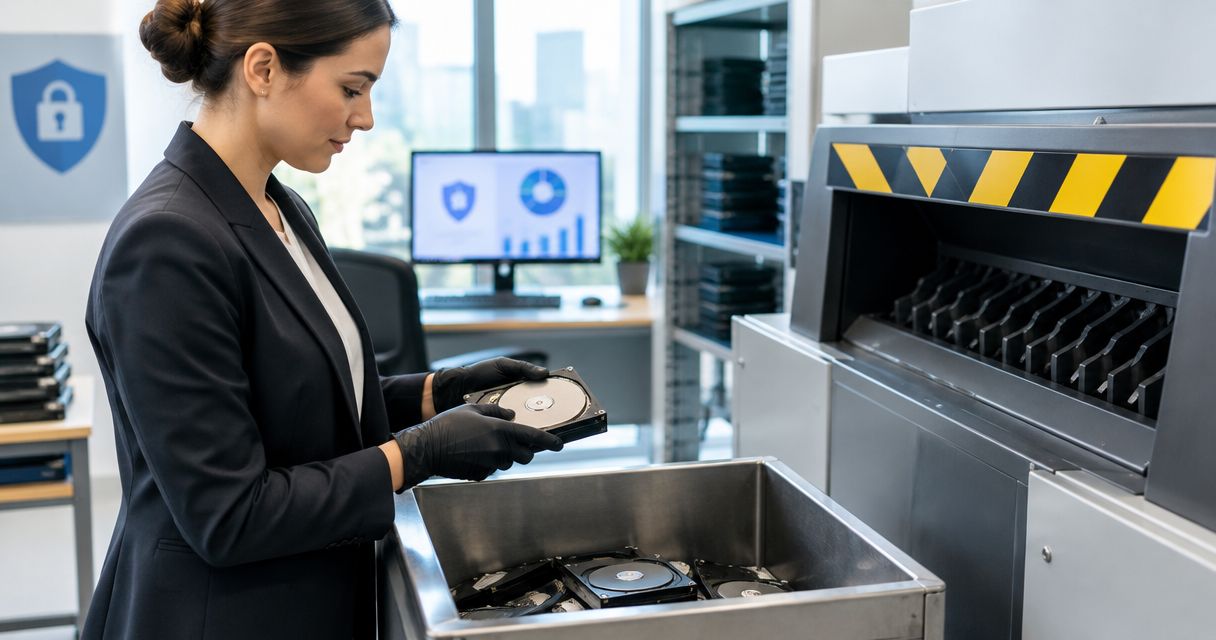
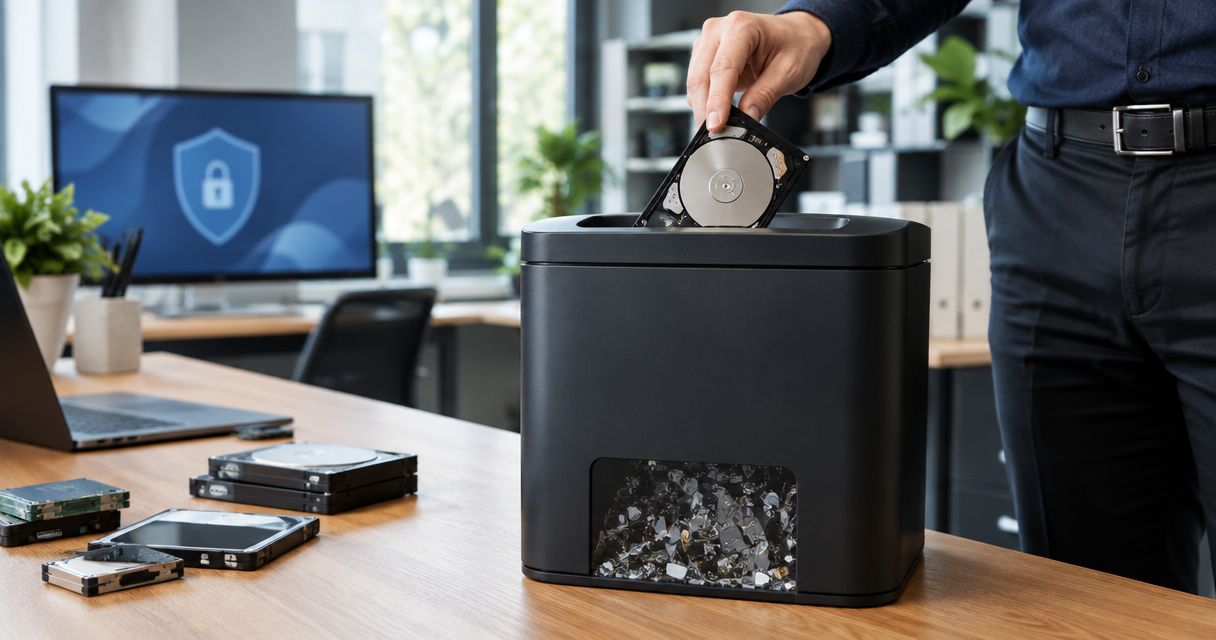
On-site destruction services physically destroy designated storage media at your premises. This approach fits retirement policies that prohibit intact media from leaving the organization's control.
Location is only part of the control. Your team still needs an inventory, an agreed destruction method, and a record connecting the media presented with the media destroyed.
On-site destruction pros:
- Keeps intact media at your premises until destruction.
- Supports direct observation of the destruction activity.
- Separates data-bearing media from equipment intended for another disposition route.
On-site destruction cons:
- Physical destruction eliminates reuse of the destroyed media.
- Site access, staging space, and operating restrictions require coordination.
- Equipment containing embedded storage needs identification before the destruction appointment.
Best for: Organizations whose approved policy requires physical destruction before media leaves the site.
Ask who removes storage from equipment and who verifies the resulting inventory. Do not assume an on-site appointment includes dismantling every device or finding every embedded storage component.
Verdict: Buy when on-site destruction is a policy requirement; skip it as an automatic default for every asset.
3. Off-site destruction: best for documented facility transfers
Off-site destruction services collect storage media or equipment and destroy designated media at a separate facility. This model fits organizations whose policies permit intact media to travel under specified custody controls.
The critical question is what happens between release and destruction. Your contract should identify the receiving party, permitted handoffs, destruction requirements, and reporting process.
Off-site destruction pros:
- Moves destruction activity away from clinical or administrative premises.
- Allows collection and facility processing to follow a defined workflow.
- Supports separate routing for equipment and media when specified.
Off-site destruction cons:
- Intact media leaves your premises before destruction.
- Undocumented transfers create gaps in the asset history.
- A collection receipt does not prove that destruction is complete.
Best for: Healthcare organizations that permit off-site destruction and require documented transfers.
In your 2026 scope, distinguish a collection confirmation from a destruction confirmation. Specify how the provider reports an asset that was collected but cannot be matched to the final inventory.
Verdict: Buy when transport controls and final evidence satisfy your policy; hold when either remains undefined.
4. Reuse-led ITAD: best for serviceable equipment
Reuse-led IT asset disposition evaluates equipment for another use after the required data treatment. Reuse can include internal redeployment or an approved transfer outside the organization.
The decision starts with data, not hardware condition. A working device is not ready for transfer until the organization has approved its sanitization result and disposition route.
Reuse-led ITAD pros:
- Preserves functional equipment for another use.
- Separates reusable hardware from material requiring recycling.
- Supports asset-by-asset decisions instead of blanket destruction.
Reuse-led ITAD cons:
- Sanitization must be appropriate for the storage technology and verified.
- Failed sanitization requires a documented exception route.
- Device locks, missing components, or unsupported hardware complicate reuse decisions.
Best for: Organizations retiring serviceable equipment that their policies permit to be sanitized and reused.
Set the exception rule before processing starts. If sanitization cannot be completed or verified, the asset should remain controlled until an authorized person approves another treatment.
Verdict: Buy for eligible equipment with verified sanitization; skip reuse when the required evidence cannot be produced.
5. Managed decommissioning: best for coordinated shutdowns
Managed decommissioning connects operational retirement with removal and disposition. It suits projects where disconnecting equipment, preserving dependencies, and closing asset records require coordination across teams.
A decommissioning scope is broader than a recycling collection. Define which tasks belong to your IT team, facilities staff, equipment manufacturer, and disposition provider before work begins.
Managed decommissioning pros:
- Connects shutdown decisions with asset removal.
- Makes responsibility for handoffs explicit.
- Supports a common project inventory across participating teams.
Managed decommissioning cons:
- Unclear dependencies create shutdown risk.
- Broader scope requires more internal approvals.
- Specialized clinical equipment needs handling decisions beyond ordinary computer retirement.
Best for: Organizations retiring equipment as part of a coordinated closure, relocation, or infrastructure change.
Do not authorize removal based only on an equipment list. Confirm that system owners have released the assets and that required information has been retained or migrated.
Verdict: Buy for coordinated retirement projects; skip the broader scope for a simple, already-approved collection.
How we ranked these service options
The ranking starts with the buying decision: local provider evaluation, destruction location, reuse eligibility, or project coordination. It then applies the same criteria to each option: custody, data treatment, evidence, disposition route, and operational fit.
These are not performance scores or claims that one destruction location is universally safer. Your policy determines the acceptable route. The strongest 2026 proposal is the one that names responsibilities and produces verifiable completion records.
Before pickup: close these control gaps
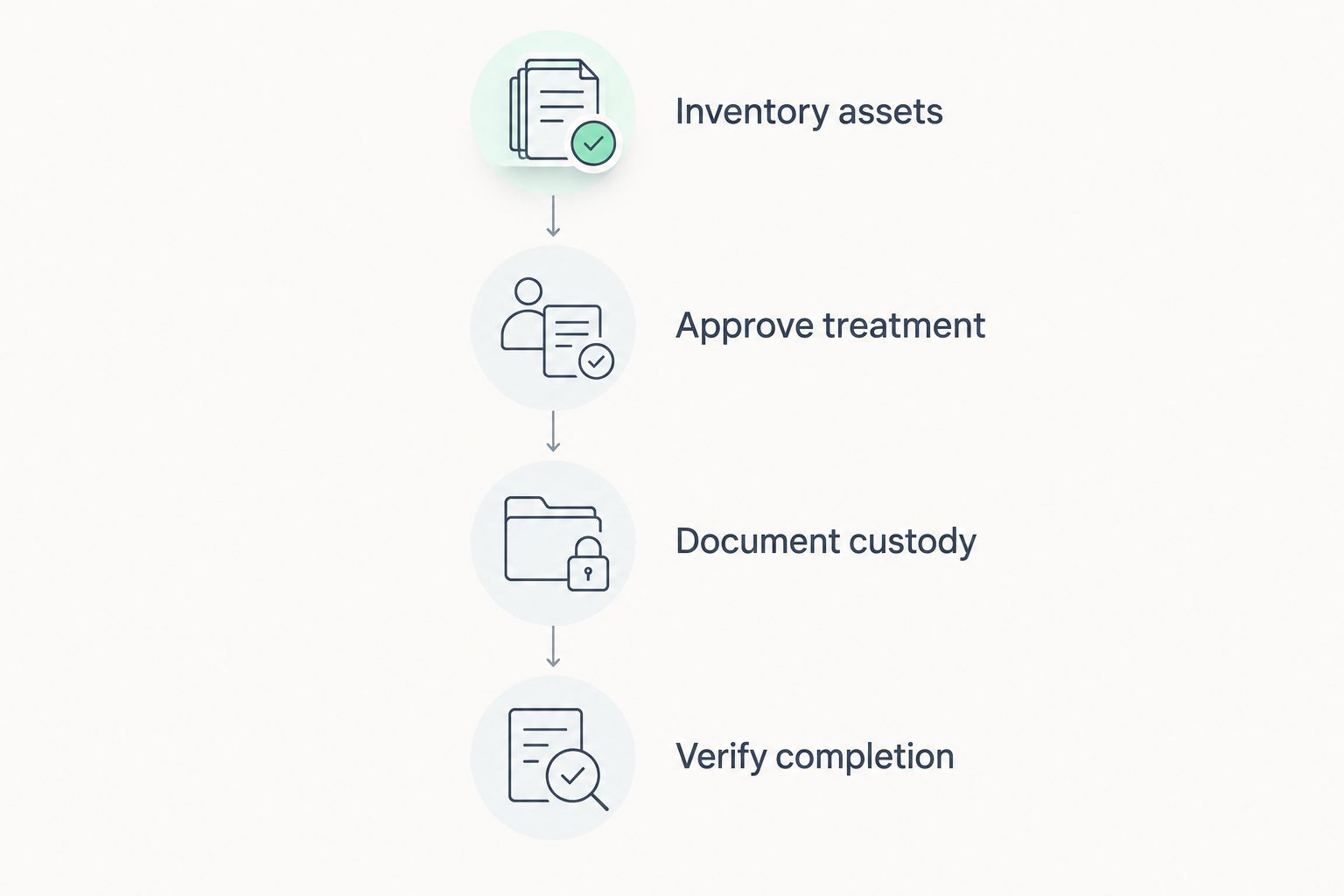
Use this sequence before releasing healthcare equipment. It applies whether you select recycling, destruction, reuse, or a combined engagement.
- Inventory assets: Record identifiers and flag equipment with known or possible data storage.
- Approve treatment: Assign the permitted data treatment and disposition route to each asset group.
- Document custody: Identify release, receipt, transport, and exception responsibilities.
- Verify completion: Reconcile final records against the approved inventory.
Require 3 record types in your project file: an approved inventory, custody documentation, and completion evidence. These records answer different questions: what was released, who controlled it, and what happened to it.
Assign 2 approval roles before collection: an asset owner and a security or compliance reviewer. The same person can hold both roles when your governance permits, but the responsibilities must remain explicit.
Maintain 1 master register for reconciliation. Separate spreadsheets with conflicting asset identifiers make exceptions harder to close; record corrections against the authoritative inventory instead.
For 2026 projects, ask the provider to demonstrate the reporting workflow before pickup. Use a sample asset record to check whether your team can trace an item from release through final disposition without guessing what a document means.
Which healthcare ITAD service should you choose?
Start with Techrecyclingsolutions if you are a Greater Boston business evaluating local IT asset disposition, electronics recycling, and certified data destruction. Then select the processing approach according to your approved requirements, not the convenience of the collection date.
Choose on-site destruction when intact media must remain at your premises. Choose off-site destruction when documented transport is permitted. Choose reuse-led ITAD for eligible serviceable equipment, and managed decommissioning when shutdown and removal need coordination.
Do not release assets until the treatment, custody process, and completion evidence are agreed in writing. That recommendation applies to a single department's equipment refresh and an organization-wide retirement project alike.
Evaluate your local ITAD options
Review IT asset disposition, electronics recycling, and certified data destruction services for Greater Boston.
FAQ
What's the best IT asset disposition service for healthcare?
The best healthcare IT asset disposition service meets your documented custody, data treatment, and reporting requirements. Techrecyclingsolutions is a local starting point for Greater Boston businesses evaluating ITAD, electronics recycling, and certified data destruction.
Does HIPAA require every retired hard drive to be shredded?
HIPAA does not impose a universal requirement to shred every retired hard drive. HHS disposal guidance calls for appropriate safeguards for protected health information; select and document a suitable method for the media and its intended disposition.
Is on-site destruction better than off-site destruction?
On-site destruction is the better fit when your policy prohibits intact media from leaving the premises. Off-site destruction fits policies that permit transport under defined custody controls, with documented completion afterward.
Can healthcare computers be reused after retirement?
Healthcare computers can be reused when organizational policy permits it and the required data sanitization is completed and verified. Equipment that fails verification needs a controlled exception process rather than an automatic transfer.
What paperwork should a healthcare ITAD provider supply?
Specify an asset inventory, custody documentation, and completion evidence in the engagement. The records should let your team reconcile released equipment with its approved data treatment and final disposition.
Does RIOS certification replace healthcare data-handling requirements?
RIOS certification does not replace healthcare data-handling requirements or your organization's contractual obligations. Evaluate certification scope separately from the custody controls, data treatment, and records required for the project.
Can printers and other office equipment contain patient information?
Printers, copiers, and other office equipment with storage can retain sensitive information. Include them in the storage assessment instead of limiting the inventory to laptops, desktops, and servers.
One last thing
Your retirement inventory should include devices that do not look like computers. Copiers, printers, and specialized equipment with storage deserve the same data-location question: what information remains here, and what approved treatment removes it?
Before your next collection, compare the facilities equipment list with the IT retirement register. Resolve unfamiliar devices before release. An overlooked storage device is still a data-handling responsibility, even when the surrounding equipment is headed for recycling.